Verba
Verba — developer-grade voice dictation, everywhere you type.





Speak instead of type. Verba records your voice, transcribes it with Deepgram Nova-3, and refines it with Claude — system-wide across macOS (Beta) or deep inside VS Code. Bring your own keys, keep your data.
Why Verba
- Bring Your Own Key — your own Deepgram + Anthropic keys; no subscription.
- Privacy & data control — keys in the OS keystore; optional fully offline transcription (whisper.cpp); your audio/text is never routed through us.
- Developer- & code-aware — code-aware templates, Claude Code prompt generation, commit messages, JavaDoc, deep VS Code integration.
- Everywhere — the same dictation intelligence in your editor and across your whole Mac.
Two Surfaces
VS Code Extension
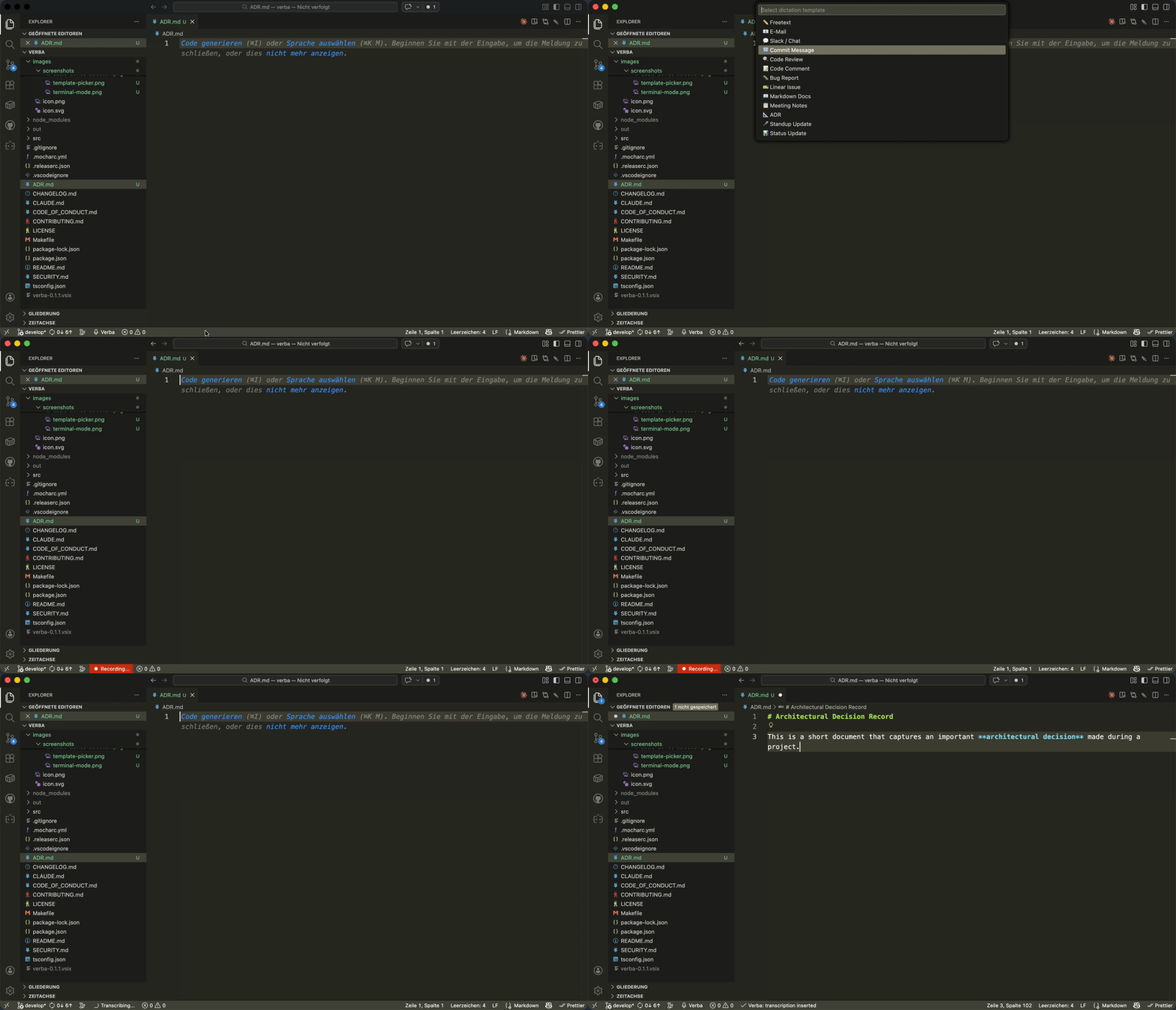
Dictation tied to cursor position, active file, and selection. Code-aware templates, terminal insertion, offline transcription.
→ Install the VS Code extension
macOS App (Beta)
System-wide dictation in any app — email, chat, browser, notes. Currently a Public Beta, build-from-source only.
New Here?
Not sure which surface fits your workflow? → Choose Your Surface